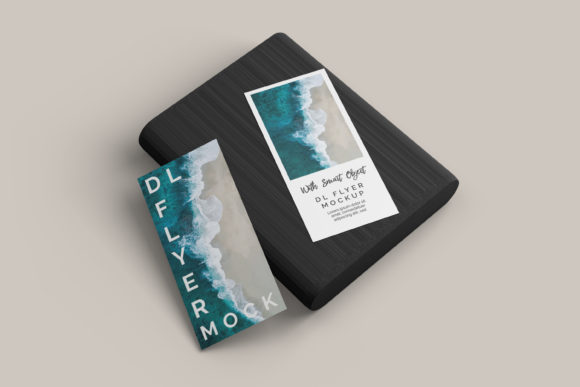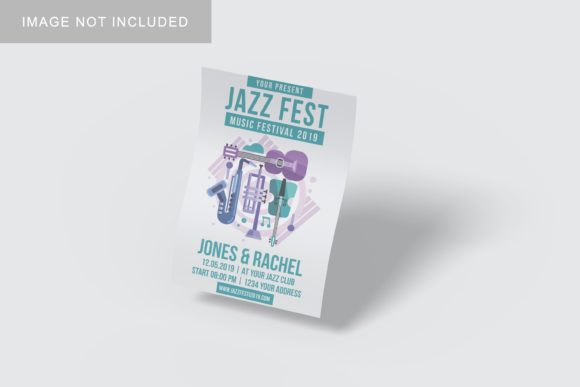
Flyer Mockup V1: Professional 3D Presentation Tool
When you have spent hours refining the typography, color palette, and layout of a flyer, the final presentation is just as critical as the design itself. A flat image on a screen rarely conveys the tactile quality or spatial presence that a real-world print would possess. This is where Flyer Mockup V1 becomes an essential asset for designers, marketers, and small business owners who need to showcase their work with clarity and impact.
This tool is designed to bridge the gap between digital creation and physical reality. By placing your design onto a realistic 3D display, you provide stakeholders, clients, or customers with a tangible sense of how the final product will look in their hands or on a wall. The difference between a flat JPEG and a high-fidelity mockup can often be the deciding factor in client approval or marketing effectiveness.
Why Realistic 3D Display Matters
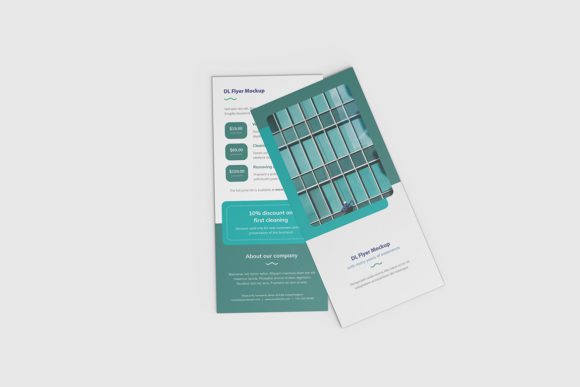
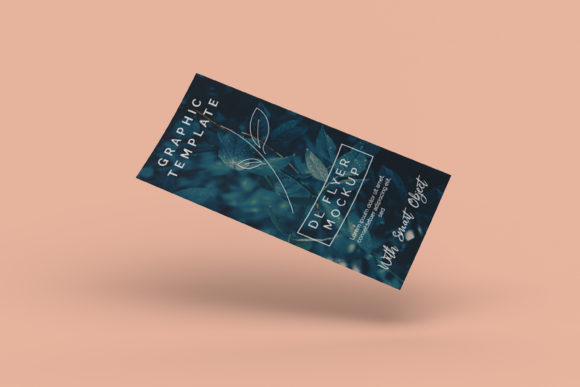
In a crowded digital marketplace, visual communication must cut through the noise. When presenting a flyer design, context is king. A flyer viewed against a clean, neutral background looks like a file; a flyer viewed in a realistic 3D environment looks like a finished product. Flyer Mockup V1 leverages this psychological advantage by simulating depth, shadows, and lighting effects that mimic real-world photography.
For freelancers pitching to new clients, this level of professionalism signals attention to detail. It suggests that you care about the entire user experience, not just the graphic elements. For educators or bloggers sharing resources, it helps learners visualize the end result more clearly, enhancing comprehension and engagement. The realistic rendering allows viewers to focus on the content of your design rather than imagining how it might translate to paper.
Streamlining Your Workflow with Smart Objects
One of the most significant time-savers in any design workflow is the ability to update assets quickly without rebuilding layers from scratch. Flyer Mockup V1 is available in PSD Photoshop format and utilizes smart-object features to facilitate this process. Instead of manually masking, warping, and blending your design into the mockup template, you can simply double-click the smart object layer.
This action opens a new window where you can paste your own design. Once you save and close that window, the mockup updates automatically, applying the necessary perspective and lighting adjustments. This feature reduces the time required to generate multiple variations—such as different color schemes or text layouts—from minutes to seconds. For professionals managing multiple projects or needing to present several options to a team, this efficiency is invaluable.
The Importance of a PDF Help Guide
While the smart-object functionality is intuitive, having clear instructions ensures that even those less familiar with advanced Photoshop techniques can achieve professional results. Flyer Mockup V1 includes a PDF help guide that walks users through the setup process. This resource is particularly useful for hobbyists, small business owners, or marketers who may not be graphic designers by trade but still need high-quality visuals for their campaigns. The guide demystifies the technical aspects, allowing users to focus on creativity rather than troubleshooting software errors.
Technical Specifications and Quality Standards
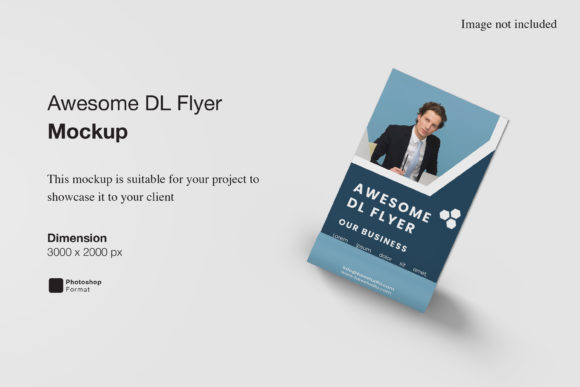
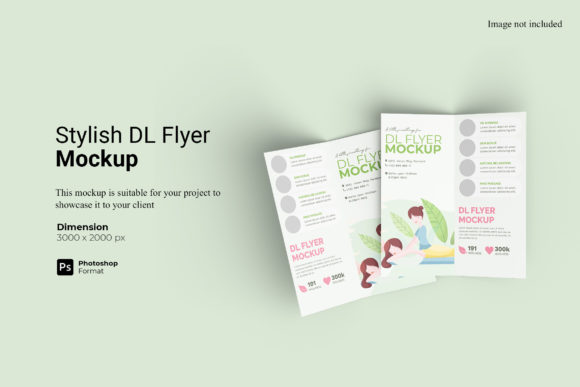
To ensure that your designs remain crisp and clear across various viewing platforms, resolution and dimensions are paramount. Flyer Mockup V1 offers a size of 3000x2000 pixels at 300 dpi. This high resolution guarantees that the mockup retains its sharpness whether viewed on a large desktop monitor, a tablet, or printed for a portfolio review.
The 300 dpi standard is the industry benchmark for print-ready materials. By using a mockup that adheres to this standard, you avoid the common pitfall of pixelation when zooming in for detailed critiques. Furthermore, the ability to change the background color provides flexibility. Whether you prefer a minimalist white backdrop for a clean aesthetic or a textured surface for a more organic feel, you can adjust the background to suit your brand identity or the specific mood of the campaign.
Who Benefits Most from Flyer Mockup V1?
The versatility of Flyer Mockup V1 makes it suitable for a wide range of users, each deriving unique value from its features:
- Graphic Designers and Agencies: Use it to create compelling portfolio pieces that demonstrate your ability to handle real-world applications. Presenting client work in 3D mockups can justify higher rates by elevating the perceived value of your services.
- Small Business Owners: If you are designing flyers for local events, sales, or service announcements, this tool allows you to preview your work professionally before sending it to print. It helps you catch potential layout issues early, saving money on reprints.
- Marketers and Social Media Managers: Create eye-catching graphics for social media posts. A 3D mockup stands out in a feed filled with flat images, potentially increasing click-through rates and engagement.
- Educators and Content Creators: When creating downloadable resources or worksheets, showing a mockup of the final document helps users understand what they are receiving. It adds a layer of trust and professionalism to your digital products.
Practical Considerations and Limitations
While Flyer Mockup V1 is a powerful tool, it is important to approach its use with realistic expectations. First, the photos used in the preview images are for illustration purposes only and are not included in the download. Users must supply their own design files to populate the mockup. This means you need to have your core design ready before you begin the mockup process.
Additionally, while the smart-object feature simplifies the replacement of designs, it does require access to Adobe Photoshop or a compatible editor that supports PSD smart objects. If you are using alternative design software, you may need to convert the file or use a different method to apply your design, which could add complexity to your workflow.
It is also worth noting that no single mockup fits every scenario. Depending on the style of your flyer—whether it is modern, vintage, corporate, or playful—you may find that other mockup styles better complement your aesthetic. It is advisable to compare options and test different backgrounds and angles to see which presentation best aligns with your goals. However, for a versatile, clean, and professional look, Flyer Mockup V1 serves as a reliable foundation.
Enhancing Communication Through Better Visualization
Beyond aesthetics, effective mockups serve a functional purpose: they improve communication. When explaining a design concept to a non-designer, jargon about kerning, leading, or color profiles can be confusing. Showing a realistic 3D representation translates these abstract concepts into something concrete. A client can immediately grasp how the text hierarchy works or how the color scheme feels in a real-world context.
This clarity reduces the back-and-forth revision cycles that often plague design projects. By providing a clear visual reference early in the process, you minimize misunderstandings and streamline decision-making. For freelancers and agencies, this leads to faster project turnaround times and higher client satisfaction.
Conclusion
Flyer Mockup V1 is more than just a template; it is a strategic tool for enhancing the presentation of your creative work. By combining realistic 3D rendering with efficient smart-object technology, it allows you to showcase your designs professionally and save valuable time. Whether you are a seasoned designer looking to polish your portfolio or a small business owner wanting to make a strong first impression, this mockup offers a practical solution to a common challenge.
By investing in high-quality presentation tools, you signal to your audience that your work is worthy of their attention. In a world where visual appeal drives engagement, taking the extra step to present your flyers in a realistic 3D display can make a significant difference in how your message is received and remembered.