Top View DL Flyer Mockup: A Practical Evaluation for Professional Designers
In the competitive landscape of graphic design, presenting work effectively is often as critical as the creation process itself. For professionals dealing with print collateral, particularly standard-sized promotional materials, the choice of presentation tool can significantly impact client perception and project approval rates. The Top View DL Flyer Mockup emerges as a specialized resource designed to address this specific need, offering a realistic 3D display that allows designers to showcase their layouts in a context that mirrors real-world usage. This evaluation examines the utility, technical specifications, and practical application of this asset, providing insight into whether it serves as a valuable addition to a designer’s workflow.
Understanding the Core Purpose
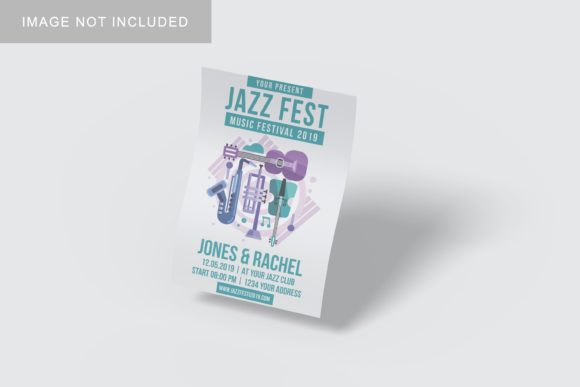
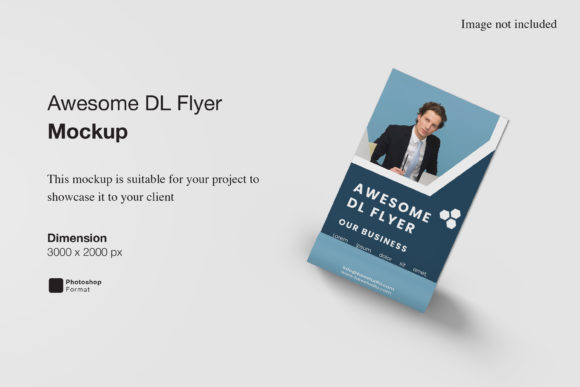
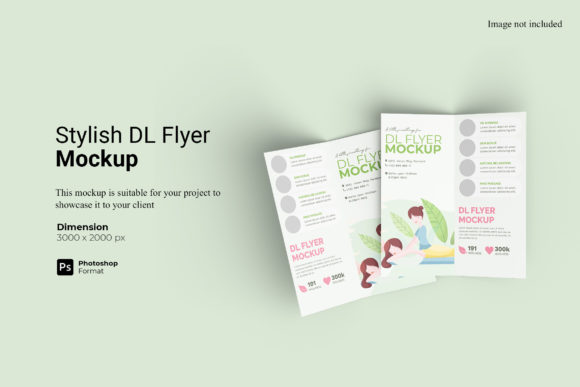
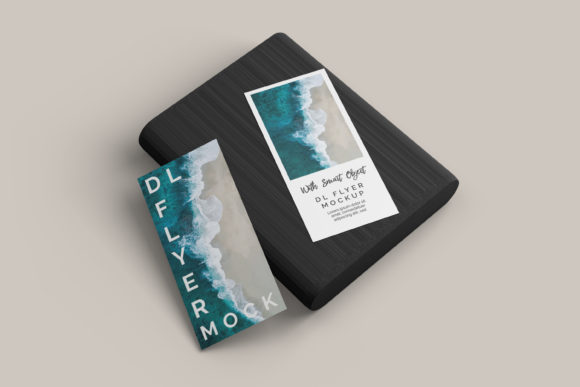
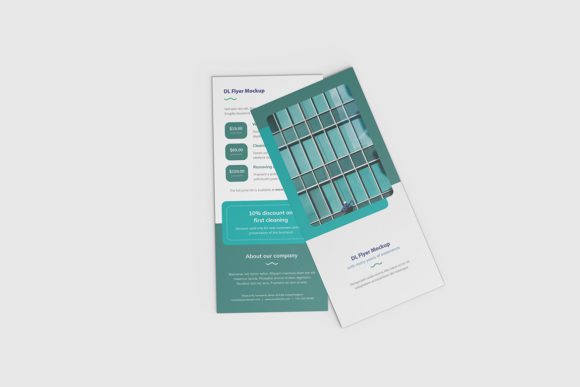
The primary function of the Top View DL Flyer Mockup is to bridge the gap between digital flat files and tangible print products. In traditional design workflows, clients often struggle to visualize how a two-dimensional PDF or PSD file will look when printed on standard DL-sized paper (typically 99mm x 210mm). By placing the design onto a mockup that simulates a top-down perspective of a flyer lying on a surface, this tool provides immediate visual clarity. It transforms abstract layout decisions into concrete visual evidence, allowing stakeholders to assess hierarchy, color balance, and overall composition more intuitively.
This approach is particularly relevant for freelancers, small business owners, and marketing agencies who frequently submit proposals or final proofs. The ability to present a design within a realistic environment reduces cognitive load for the viewer, enabling faster feedback loops and reducing the likelihood of misinterpretation regarding scale and orientation.
Technical Specifications and Workflow Integration
From a technical standpoint, the efficiency of any design asset is determined by its ease of integration into existing software environments. The Top View DL Flyer Mockup is delivered in PSD Photoshop format, which ensures compatibility with the industry-standard Adobe Creative Cloud suite. This is a significant advantage, as it eliminates the need for third-party converters or complex export procedures that can introduce artifacts or quality loss.
A central feature of this mockup is its utilization of Smart-Object features. For designers unfamiliar with this functionality, Smart Objects are layers that contain image data from raster or vector images. When using the Top View DL Flyer Mockup, the process is streamlined:
- Non-Destructive Editing: Users can double-click the designated layer to open the source file in a new tab.
- Rapid Replacement: After pasting or dragging the new design into this tab and saving, the changes update automatically in the main document.
- Time Efficiency: This mechanism allows for the replacement of current designs with new concepts within seconds, facilitating quick iterations for multiple color variations or content updates.
The resolution and dimensions are optimized for professional output. With a size of 3000x2000 pixels at 300 DPI, the mockup meets the high-resolution standards required for both web-based presentations and high-quality print outputs. This resolution ensures that text remains sharp and edges are crisp, preventing the pixelation that can undermine the perceived professionalism of a design proposal.
Flexibility and Customization Options
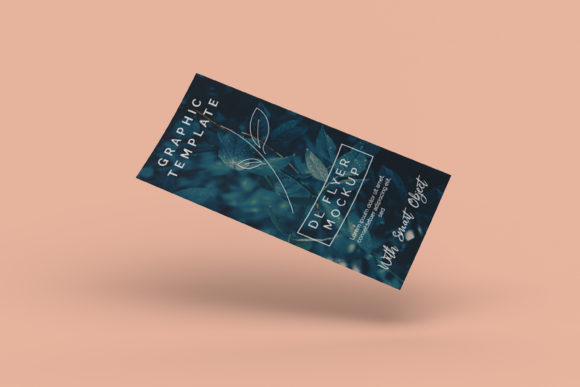
While the core strength of a mockup lies in its realism, its versatility determines its long-term value. The Top View DL Flyer Mockup includes a changeable background-color feature. This attribute is crucial for tailoring the presentation to different branding contexts or aesthetic preferences. For instance, a minimalist white background may suit a corporate identity project, while a textured or colored backdrop might better complement a creative portfolio or event promotion.
This flexibility allows users to maintain consistency across a series of presentations without altering the focal point—the flyer itself. By adjusting the background, designers can control the visual weight and contrast, ensuring that the client’s attention remains fixed on the design elements rather than being distracted by an incongruous setting. However, it is important to note that the mockup is strictly a structural template; the actual photographic elements used in preview images are for illustration purposes only and are not included in the download package. This distinction is vital for managing expectations regarding the raw assets provided.
Practical Application and Real-World Performance
When analyzing how the Top View DL Flyer Mockup performs in real-world scenarios, several factors contribute to its effectiveness. The top-view angle is a deliberate choice that offers a comprehensive overview of the entire layout. Unlike angled perspectives that may obscure parts of the design due to foreshortening, the flat lay approach ensures that all textual and graphical components are fully visible. This is particularly beneficial for flyers that contain dense information, such as schedules, contact details, or promotional terms.
For educators and publishers, this format aids in reviewing educational materials or booklets where readability is paramount. Similarly, bloggers and content creators can use this mockup to visualize sidebar ads or newsletter headers before deployment. The realistic lighting and shadows inherent in a well-executed 3D mockup add depth, making the digital file appear as a physical object. This psychological cue enhances the perceived value of the work, potentially influencing client satisfaction and willingness to approve designs without extensive revision cycles.
Evaluating Usability and Support
Usability extends beyond technical compatibility to include accessibility and guidance. Recognizing that not all users possess advanced proficiency in Photoshop, the inclusion of a PDF help guide is a notable strength. This documentation serves as a practical reference for troubleshooting common issues, such as layer management or smart-object linking errors. For serious hobbyists and newer professionals, this support structure reduces the barrier to entry, allowing them to leverage high-quality assets without requiring extensive training in complex photo-editing techniques.
The "easy to use" claim associated with this product is substantiated by the intuitive nature of Smart Objects. Once the initial setup is understood, the workflow becomes repetitive and efficient. This consistency is valuable for agencies handling multiple projects simultaneously, where speed and uniformity are key performance indicators. The lack of complicated filters or adjustment layers means that the focus remains on the design content rather than manipulating the mockup itself.
Target Audience and Ideal Use Cases
The Top View DL Flyer Mockup is best suited for a specific demographic of creative professionals. It is particularly advantageous for:
- Freelance Graphic Designers: Who need to present polished portfolios to potential clients quickly.
- Marketing Agencies: That require standardized templates for consistent client reporting.
- Small Business Owners: Who handle their own marketing materials and seek a professional appearance without hiring external designers for presentation prep.
- Print Shops: Which may use mockups to show customers how their final product will look before printing.
Conversely, designers working exclusively with large-format prints (such as billboards) or digital-only interfaces (such as mobile app screens) may find limited utility in a static DL flyer mockup. The specificity of the DL format means that those needing A4, A5, or square formats would require separate assets. Therefore, assessing the specific dimensional needs of one’s project is essential before integrating this tool into a broader library.
Limitations and Considerations
No single asset is universally perfect, and understanding the limitations of the Top View DL Flyer Mockup is part of a balanced evaluation. Firstly, the top-view perspective, while excellent for completeness, lacks the dynamic tension of angled shots. In some creative contexts, an angled view might convey a sense of action or lifestyle that a flat lay cannot. Secondly, the reliance on Photoshop means that users of alternative software like Affinity Photo or GIMP must ensure compatibility with PSD files and Smart Object structures, which can sometimes vary slightly between applications.
Additionally, the quality of the final presentation is contingent upon the quality of the input design. A mockup cannot correct poor typography or bad color choices; it merely displays them realistically. Therefore, the mockup should be viewed as a delivery mechanism rather than a corrective tool. Designers must ensure their source files are meticulously prepared before applying them to the Smart Object layer.
Conclusion on Value and Long-Term Utility
The Top View DL Flyer Mockup represents a focused, high-quality solution for a common design challenge: effective presentation of print media. Its strengths lie in its technical simplicity, high resolution, and the time-saving benefits of Smart Object integration. By providing a realistic 3D display in a familiar PSD format, it empowers designers to communicate their ideas more clearly and professionally.
For professionals aged 20–50 who value efficiency and visual impact, this asset offers a reliable way to enhance their deliverables. While it does not replace the need for strong foundational design skills, it significantly amplifies the perceived professionalism of the final output. As design trends continue to emphasize authenticity and tangible results, tools that seamlessly blend digital precision with realistic representation remain indispensable. The Top View DL Flyer Mockup fits squarely into this category, offering practical value for anyone looking to elevate their client presentations and streamline their workflow.