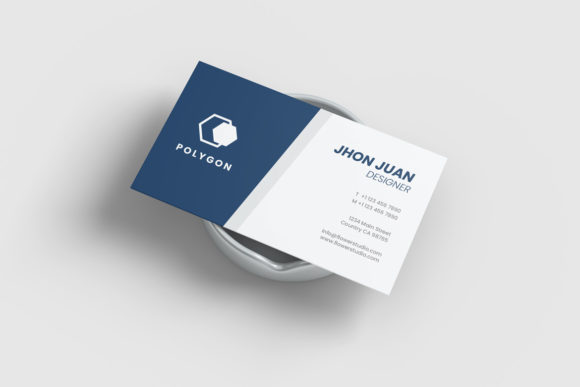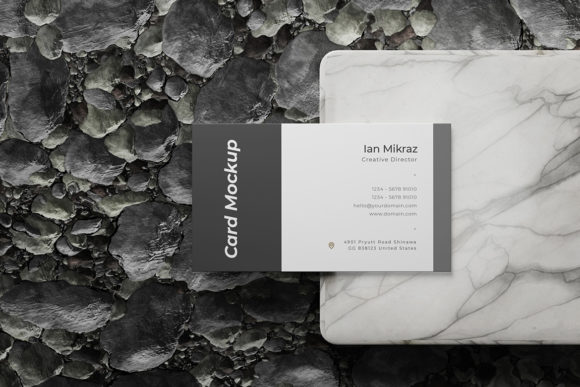
Elevate Your Brand Identity with a Professional Realistic Business Card Mockup
In the digital age, where networking often happens through LinkedIn connections and email signatures, the physical business card might seem like an archaic relic. However, for designers, creatives, and brand strategists, the tangible representation of identity remains crucial. The moment you hand someone a card, or even just show them a high-quality image of one, you are communicating volume, texture, and attention to detail before they’ve read a single word. This is where presentation becomes paramount. A poorly presented design can undermine excellent work, while a stunning visual can elevate a simple layout into a premium product. Enter the Realistic Business Card Mockup, a tool designed not just to display your work, but to sell it.
The Power of Photorealism in Design Presentation
Why does realism matter? Because clients buy confidence. When you present a flat JPEG of a business card on a white background, you are asking the client to use their imagination. You are forcing them to mentally reconstruct how the paper will feel, how the light will hit the edges, and whether the colors will pop in real life. This cognitive load creates friction. A Realistic Business Card Mockup removes that friction entirely. By utilizing 3D rendering techniques within Photoshop, this mockup simulates the imperfections of reality—subtle shadows, slight bends in the cardstock, and realistic lighting interactions.
This level of fidelity allows you to showcase your designs professionally in a way that feels immediate and authentic. It bridges the gap between the screen and the physical world. For freelancers pitching to potential employers or agencies presenting to new accounts, the difference between a "good" presentation and a "great" one is often the quality of the visuals. A realistic mockup signals that you care about the final output, suggesting that you also care about the minutiae of the project itself.
Streamlining Your Workflow with Smart Objects
The biggest hurdle in creating professional presentations has always been time. Traditional methods required manual masking, precise layer alignment, and constant tweaking of blend modes to make a design look like it belonged on a specific surface. This process was tedious, error-prone, and slow. The modern solution lies in non-destructive editing tools, specifically Smart Objects.
This item is suitable to showcase your designs professionally because it leverages the power of Smart-Objects. Available in PSD Photoshop format with smart-object features, this tool helps you replace the current designs with your own within seconds. Here is how it works in practice: you simply double-click the designated Smart Object layer, paste your vector or raster design, save the changes, and watch as the mockup automatically warps, adjusts perspective, and applies lighting effects to match the scene. There is no need to manually transform layers or adjust clipping masks. This efficiency means you can create multiple variations of a single design—testing different color palettes or typography choices—in a fraction of the time it used to take.
Technical Specifications That Matter
For those who prioritize precision, the technical backbone of this mockup ensures that your work looks crisp regardless of where it is displayed. The file boasts a substantial 3000x2000 px size at a resolution of 300 dpi. This high resolution is critical for several reasons:
- Print Quality: If you intend to print the mockup itself for a portfolio book or a large-format display, the 300 dpi standard ensures no pixelation or blurriness.
- Cropping Flexibility: The generous dimensions allow you to crop tightly around the business card without losing quality, or zoom out to include environmental context.
- Web Optimization: Even for web use, starting with a high-res source file gives you the freedom to resize down for faster loading times without sacrificing sharpness.
Customization Beyond the Card
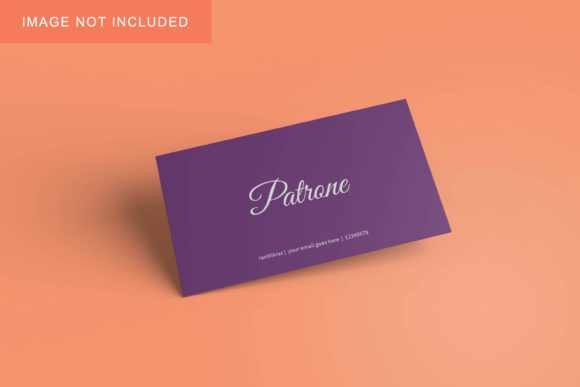
A generic mockup can sometimes feel sterile. To truly make a design stand out, the environment matters. One of the standout features of this particular template is the ability to change the background-color. While many mockups lock you into a specific studio setting, this tool offers versatility. Whether you want a clean, minimalist white backdrop to emphasize bold typography, a dark, moody aesthetic for a luxury brand, or a vibrant hue that complements your logo, you have control over the canvas.
This flexibility extends to the materials as well. Depending on the specific layers provided, you can simulate different finishes—matte, glossy, or textured papers. This is particularly useful when showcasing designs that rely heavily on texture, such as foil stamping, embossing, or spot UV coatings. By adjusting the overlay layers, you can mimic these effects digitally, giving your client a preview of the tactile experience they will receive upon printing.
Accessibility and Ease of Use
Not every designer is a Photoshop wizard. Some are illustrators, some are copywriters, and others are entrepreneurs designing their own brands. Recognizing this spectrum of skill levels, the creators of this Realistic Business Card Mockup have prioritized accessibility. The interface is intuitive, requiring only basic knowledge of Photoshop’s layer panel. Furthermore, a PDF help guide is included, ensuring that even beginners can navigate the process smoothly. This support structure reduces the learning curve, allowing users to focus on their creativity rather than troubleshooting software issues.
The inclusion of a guide also serves as a best-practice resource. It often contains tips on aspect ratios, safe zones for text, and recommended file formats for export. These small details can prevent costly mistakes during the actual printing phase, adding value beyond the visual asset itself.
Practical Applications in Modern Workflows
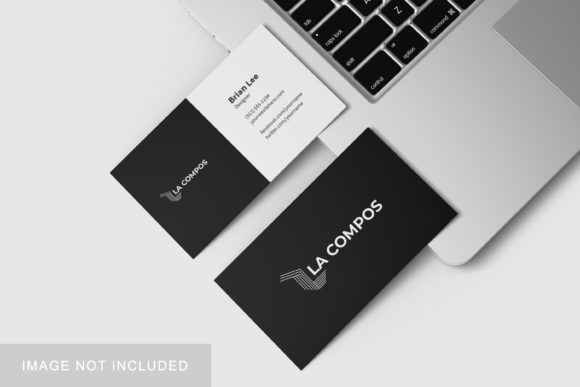
How does this fit into your daily routine? The applications are vast. Consider a graphic designer working on a rebranding project. They can generate three distinct mockups—one showing the card alone, one with the card next to a laptop, and one in a hand-held scenario—and send them all to the client in a single email. This variety provides context and helps the client visualize the brand in different settings.
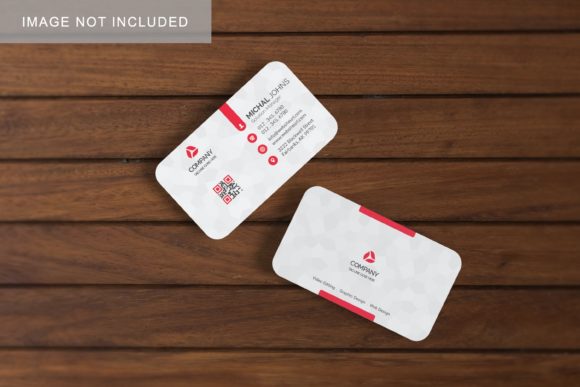
For social media managers, these high-resolution images are gold. They can be repurposed for Instagram posts, LinkedIn updates, or Behance case studies. A static image of a logo is forgettable; a photorealistic business card sitting on a wooden desk tells a story of professionalism and craftsmanship. In an era where personal branding is essential, having a library of ready-to-use, realistic mockups saves hours of creation time and ensures a consistent, high-quality aesthetic across all platforms.
Important Considerations for Users
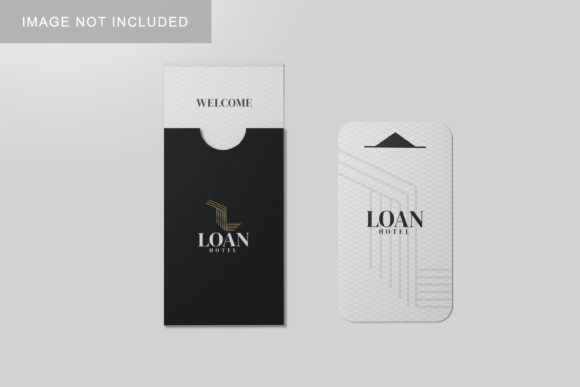
While using these templates is straightforward, there are a few nuances to keep in mind to get the best results. First, remember that the photos used in the preview are not included; they are for illustration purposes only. This is standard practice in the stock asset industry, but it’s important to understand that the model, the desk, and the props are placeholders. You are buying the lighting, the shadow logic, and the perspective, not the specific photograph.
Secondly, always work with non-destructive edits. Since the mockup relies on Smart Objects, avoid flattening the image prematurely. Keep your original design files separate and linked correctly to ensure you can go back and make changes later. Finally, pay attention to the contrast between your design and the mockup’s lighting. If your design is very light, it might get lost in a bright background. Experiment with the background color adjustments to ensure your design elements remain the focal point.
Conclusion
Investing in a high-quality Realistic Business Card Mockup is an investment in your professional reputation. It transforms a simple digital file into a compelling visual narrative. By combining photorealistic rendering with user-friendly Smart Object technology, this tool empowers designers to present their work with clarity, confidence, and style. Whether you are a seasoned agency director or a solo freelancer looking to up your presentation game, the ability to quickly and easily showcase your designs in a realistic 3D display is an indispensable asset in your creative toolkit.