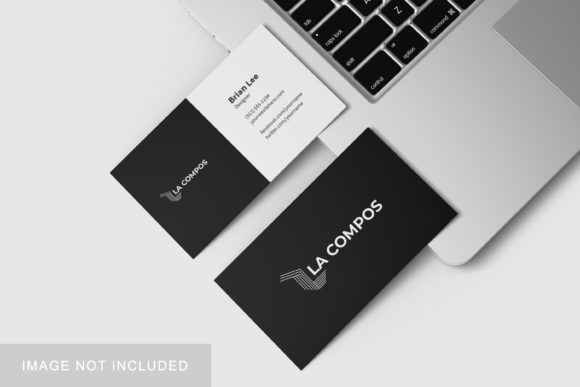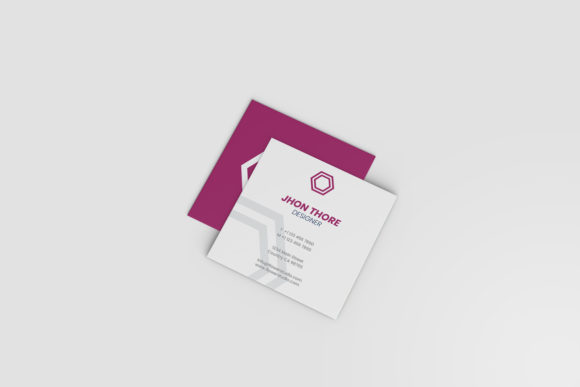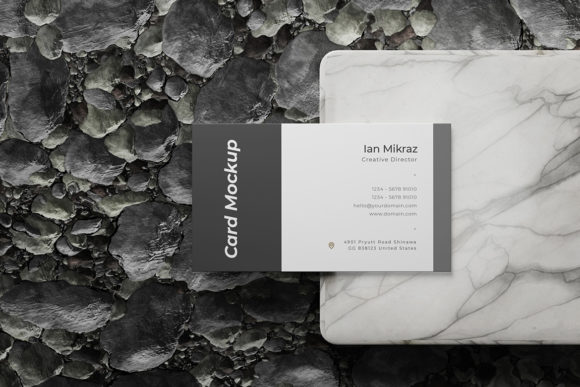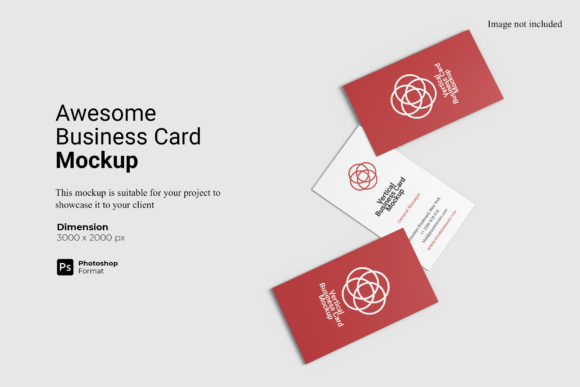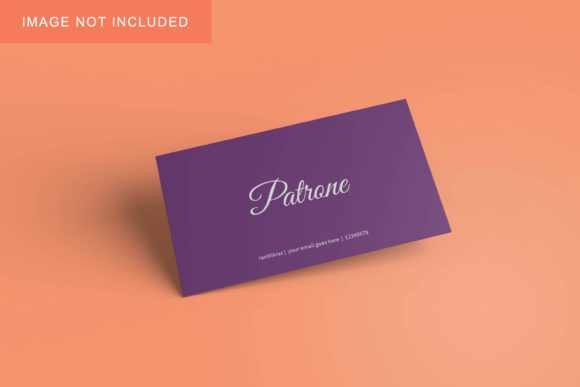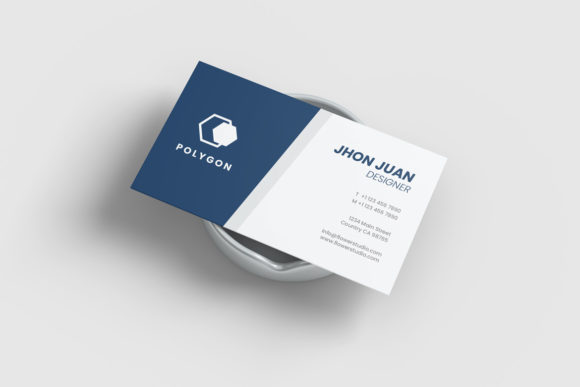
Top View Business Card Mockup
In the digital age, where a first impression is often formed before a handshake occurs, the physical representation of your professional identity remains critical. A business card is no longer just a vessel for contact information; it is a tactile extension of your brand. However, printing dozens of prototypes to test design concepts is expensive and wasteful. This is where a Top View Business Card Mockup becomes an indispensable tool in a designer’s workflow. By providing a realistic 3D display, this resource allows you to visualize how your design will look in the real world without committing to production costs.
The specific appeal of the top-down perspective lies in its clarity and modern aesthetic. Unlike angled shots that can obscure details due to lighting or distortion, a flat lay view offers a clean, unobstructed look at the entire layout. It highlights typography, color balance, and white space with precision. For anyone looking to showcase their designs professionally, this format bridges the gap between a flat digital file and a tangible product.
Why the Format Matters: Ease of Use and Efficiency
One of the most significant barriers to creating high-quality presentation materials is technical complexity. Many users abandon good ideas because they lack advanced skills in 3D rendering software like Blender or Cinema 4D. The Top View Business Card Mockup solves this problem by being available in PSD Photoshop format with smart-object features. This means you do not need to be a 3D artist to achieve photorealistic results.
The process is streamlined for speed:
- Open the File: Load the provided PSD file into Adobe Photoshop.
- Locate the Smart Object: Find the designated layer labeled for your design insertion.
- Replace Your Design: Double-click the smart object thumbnail, paste your artwork, save, and close.
- View Results: Your design automatically wraps onto the card surface with correct shadows, lighting, and perspective.
This workflow takes seconds, not hours. For freelancers managing multiple client projects, this efficiency translates directly into billable hours saved and faster turnaround times. Even beginners can produce portfolio-ready images that look as though they were taken by a professional photographer.
Evaluating Quality and Technical Specifications
When selecting a mockup, resolution and dimensions are paramount. A blurry or pixelated preview undermines the credibility of even the best design. This particular resource boasts a size of 3000x2000 pixels at 300 DPI. These specifications ensure that the output is print-ready for high-resolution portfolios, large-format web displays, or social media posts that require crisp detail.
Furthermore, the inclusion of a changeable background color adds significant flexibility. While many mockups lock you into a specific studio setting (like a wooden desk or marble surface), this feature allows you to isolate the card against a solid color that matches your brand palette. This is particularly useful for:
- Minimalist Presentations: Where distractions must be eliminated.
- A/B Testing: Comparing how a design performs against different background hues to see which drives more engagement.
- Consistency: Maintaining a uniform look across a series of marketing materials.
The package also includes a PDF help guide, ensuring that even those who rarely use Photoshop can navigate the smart-object features without frustration. This support structure reduces the learning curve, making the tool accessible to a broader audience.
Different Perspectives: Who Benefits Most?
While the core functionality remains the same, the value proposition of a Top View Business Card Mockup shifts depending on who is using it. Understanding these nuances helps you determine if this asset aligns with your specific goals.
For Beginners and Students
For those new to graphic design, the fear of "looking amateur" is real. Seeing a student project displayed in a realistic, high-end context builds confidence. It teaches the importance of presentation and shows that good design deserves proper framing. The ease of use here is the primary driver; if the tool is too difficult, beginners may feel discouraged. The smart-object system removes the intimidation factor of complex layering.
For Freelancers and Agencies
Professionals care about speed and commercial value. When pitching to clients, you are selling not just a logo or a card, but a complete brand experience. A static image of a card looks flat; a 3D mockup looks like a finished product. This distinction can justify higher fees. The ability to quickly swap designs allows agencies to present multiple variations to a client in a single meeting, facilitating faster decision-making. Reliability is key here—you need the file to open correctly every time.
For Entrepreneurs and Small Business Owners
You may not be a designer, but you have a vision. Using this mockup allows you to visualize your branding before spending money on printing. If you decide to order 500 cards, you want to be sure the layout works. This tool offers a low-cost way to validate your design choices. It empowers non-designers to make informed decisions, saving them from costly printing errors.
For Educators and Mentors
Instructors can use this resource to teach students about realism and presentation. Instead of grading a flat JPEG, students learn to think about how their work exists in physical space. The mockup serves as a teaching aid, demonstrating industry standards for deliverables. It encourages students to elevate their final outputs beyond simple drafts.
For Content Creators and Bloggers
If you create content about design, productivity, or entrepreneurship, visual quality is currency. Generic screenshots get ignored. High-quality mockups stop the scroll on social media platforms like Instagram or Pinterest. The top-view angle is particularly shareable because it fits well within square or vertical formats common on mobile devices. Here, creativity and aesthetics drive the utility of the tool.
Practical Considerations and Limitations
It is important to approach any digital asset with a clear understanding of what it provides and what it does not. The Top View Business Card Mockup is a template, not a magic wand. Its effectiveness depends entirely on the quality of the design you insert into it. A poorly kerned font or clashing color scheme will still look poor, even in a realistic 3D render.
Additionally, while the preview images in the listing are illustrative, remember that the actual photos used in promotional materials are typically not included in the download. You must provide your own artwork. This is standard practice, but it reinforces the idea that this is a tool for *your* creativity, not a pre-made product you can resell as your own unique photography.
Another practical consideration is software compatibility. Since this is a PSD file, you need Adobe Photoshop. If you rely on free alternatives like GIMP or Canva, you may find limited support for smart objects. In such cases, you might need to convert the layers manually, which requires a bit more technical know-how. Knowing your software ecosystem beforehand ensures a smooth experience.
Is It Right for You?
Determining whether this mockup fits your needs comes down to three questions:
- Do you need to present digital designs as physical products? If yes, the realism provided by the 3D display is essential.
- Do you value time over manual 3D modeling? If you prefer quick iterations over learning complex rendering engines, the smart-object feature is ideal.
- Do you prioritize clean, minimalist aesthetics? The top-view angle excels at showcasing layout and typography without visual clutter.
For professionals seeking to elevate their client presentations, for beginners wanting to polish their portfolios, and for business owners aiming to visualize their brand accurately, this resource offers a practical, high-quality solution. It removes the technical friction between having a design idea and seeing it come to life, allowing you to focus on what matters most: creating great work.