Square Business Card Mockup Evaluation
In the competitive landscape of graphic design and branding, presenting your work effectively is just as critical as the quality of the design itself. A standard digital file often fails to convey the tactile reality of a final product. This is where a Square Business Card Mockup becomes an essential tool in a designer’s workflow. By providing a realistic 3D display, this asset allows professionals to showcase their designs with clarity and impact. For those researching presentation tools, understanding the specific features, technical specifications, and practical applications of this mockup is vital for making an informed purchasing decision.
Understanding the Square Business Card Mockup
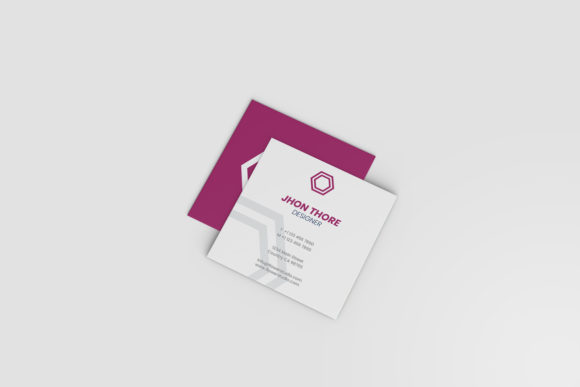
A Square Business Card Mockup is a digital template designed to simulate the appearance of a physical square business card. Unlike flat images that require manual manipulation of layers to create depth, this mockup utilizes advanced Photoshop techniques to render a three-dimensional object. The primary value proposition lies in its ease of use and professional output. It is built within the Adobe Photoshop environment, specifically in PSD format, which is the industry standard for raster graphics editing.
The core functionality revolves around Smart Objects. In Photoshop, a Smart Object is a container that holds image data from raster or vector images. When a mockup uses Smart Objects, it means that replacing the default design with your own artwork is a non-destructive process. You simply double-click the designated layer, paste or place your design, save the changes, and the mockup automatically updates to reflect your new artwork with correct perspective, lighting, and shadows. This eliminates the need for complex warping or manual blending, saving significant time during the revision process.
Technical Specifications and Usability
For designers evaluating this tool, the technical specifications dictate how well it fits into existing workflows. The Square Business Card Mockup offers a resolution of 300 DPI (dots per inch) at a size of 3000x2000 pixels. This high resolution ensures that the final rendered image is sharp and suitable for both web display and high-quality print previews. When clients view a presentation on a large monitor or when you include the mockup in a printed portfolio, the crispness of the details matters. A lower-resolution mockup can appear pixelated, undermining the professionalism of the design being presented.
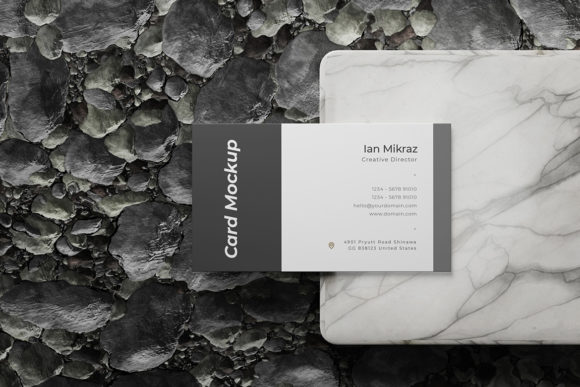
Another notable feature is the changeable background color. Designers often need to present their work in various contexts—on a clean white surface, a dark desk, or a textured environment. The ability to alter the background color without re-rendering the entire scene provides flexibility. This feature allows for quick comparisons of how the business card looks against different backdrops, helping to determine which aesthetic best complements the brand identity.
To ensure accessibility for users of all skill levels, the package includes a PDF help guide. This documentation outlines the steps for using the Smart Objects and adjusting settings. While many modern templates are intuitive, having a reference guide reduces the learning curve and prevents frustration, particularly for junior designers or those less familiar with advanced Photoshop features.
Benefits of Using a Dedicated Mockup
The decision to invest in a dedicated Square Business Card Mockup rather than creating a custom scene from scratch is driven by efficiency and consistency. Creating a realistic 3D representation of a business card manually requires knowledge of lighting, shadow casting, and texture mapping. Even experienced designers may spend hours perfecting a single shot. This mockup automates that complexity, allowing designers to focus on the creative aspect of the card itself.
Furthermore, consistency is key in client presentations. Using a standardized mockup ensures that every variation of a design is presented with the same lighting and angle. This uniformity helps clients focus on the differences between design options rather than being distracted by inconsistencies in the presentation style. It projects a level of professionalism that suggests attention to detail, which can be a deciding factor in winning contracts.
Tradeoffs and Considerations
While the benefits are clear, there are tradeoffs to consider. The primary limitation is the dependency on Adobe Photoshop. If your team relies on other design software like Affinity Designer or CorelDRAW, you cannot directly edit this file. You would need to export your designs and open them in Photoshop, adding a step to your workflow. Additionally, because it is a PSD file, it requires a licensed version of Photoshop to utilize the Smart Object features properly. Free alternatives or older versions of Photoshop may not support all features seamlessly.
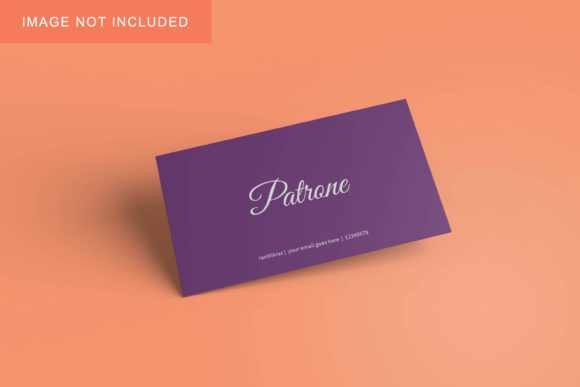
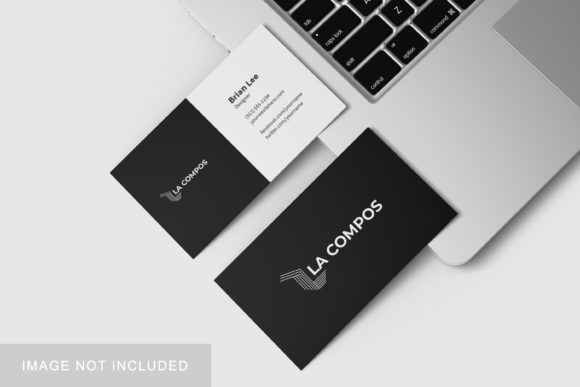
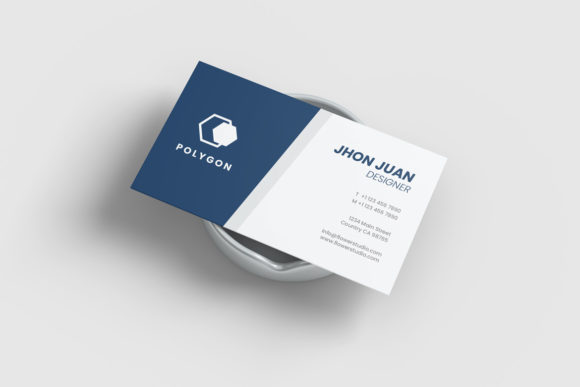
Another consideration is the static nature of the preview images. The prompt notes that photos used in the preview are for illustration purposes only and are not included. This means the base assets—the textures of the table, the lighting effects—are part of the template but may not be fully customizable beyond simple color changes. If you require a highly unique environmental context, such as a specific outdoor location or a branded backdrop, you might find the provided backgrounds limiting. In such cases, the mockup serves more as a neutral stage rather than a fully immersive scene.
Situational Fit: Who Should Use This?
This Square Business Card Mockup is a strong fit for freelance graphic designers, branding agencies, and print shops. For freelancers, speed is money. The ability to replace designs within seconds allows for rapid iteration and faster turnaround times for clients. For agencies, the professional polish of the 3D display aids in pitching concepts. It transforms a simple digital file into a tangible product visualization, which can enhance the perceived value of the service.
It is also suitable for students and beginners in design education. Learning to present work correctly is a crucial skill. Using a pre-made, high-quality mockup teaches proper presentation standards without the technical burden of 3D rendering.
When to Consider Alternatives
There are scenarios where this specific mockup may not be the best choice. If your brand identity heavily features non-standard card shapes or materials, such as transparent acrylic or embossed metal, a standard square paper card mockup may not accurately represent the final product. In these cases, seeking out specialized mockups that simulate specific materials would be more appropriate.
Additionally, if you are working in a collaborative cloud-based environment where team members do not have access to Photoshop, this PSD file will be unusable. Tools that offer HTML5-based mockups or formats compatible with Figma or Sketch might be better suited for distributed teams. Similarly, if budget is a primary constraint, free resources online may offer sufficient quality for internal reviews, though they often lack the resolution and ease-of-use features found in premium templates.
Conclusion
Evaluating a Square Business Card Mockup comes down to balancing the need for professional presentation with technical constraints. Its combination of high resolution, Smart Object functionality, and user-friendly guides makes it a robust tool for showcasing square business cards. It excels in environments where speed, consistency, and visual realism are priorities. However, designers must weigh this against the requirement for Photoshop and the limitations of the provided backgrounds. For those who frequently present square card designs and rely on the Adobe ecosystem, this mockup offers a practical, efficient solution that elevates the presentation of their work.