Stationery Mockup V1: Professional Design Showcase
In the competitive landscape of graphic design and branding, how you present your work is just as critical as the work itself. Clients do not buy concepts; they buy tangible results. This is where Stationery Mockup V1 becomes an indispensable tool in a designer’s workflow. It bridges the gap between a flat digital file and a realistic, three-dimensional representation that allows stakeholders to visualize the final product with clarity and confidence.
This resource is designed for professionals who understand that presentation drives sales. Whether you are a freelancer pitching a new brand identity, a marketing agency presenting collateral to a client, or an entrepreneur launching a startup, having a high-quality mockup can significantly elevate the perceived value of your designs. Stationery Mockup V1 offers a streamlined solution for this need, combining aesthetic realism with technical ease of use.
Why Presentation Matters in Modern Design
Gone are the days when sending a JPEG of a business card or a logo on a white background was sufficient. Today’s clients expect to see their brands in context. They want to know how the paper feels, how the lighting hits the texture, and how the design interacts with physical space. A well-executed mockup provides this context without the cost and time associated with physical prototyping.
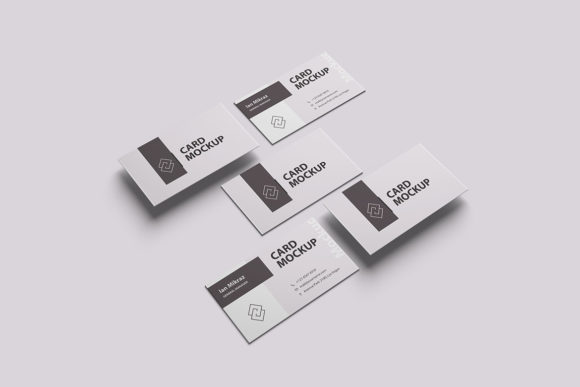
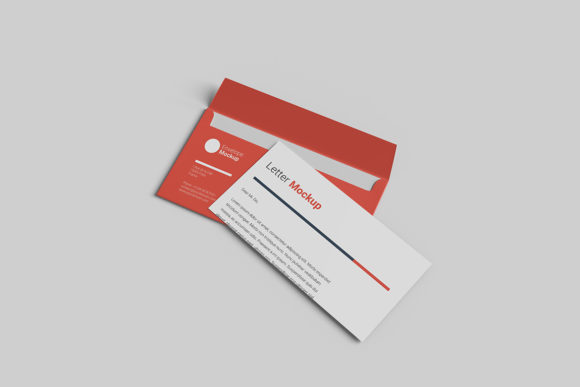
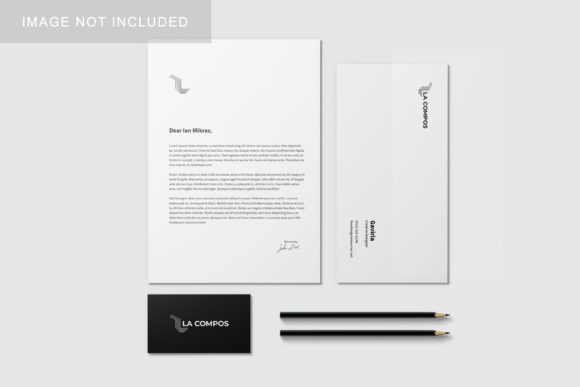
Stationery Mockup V1 addresses this demand by offering a realistic 3D display environment. It allows you to showcase your stationery designs—such as business cards, letterheads, envelopes, and folders—in a way that feels authentic. This visual fidelity helps reduce ambiguity during client approvals, minimizes revision rounds, and accelerates the decision-making process. When a client can clearly see the end result, they feel more secure in their investment.
Key Features and Technical Specifications
The effectiveness of any design asset lies in its usability. Stationery Mockup V1 is built on the widely supported Photoshop (PSD) format, ensuring compatibility with most professional creative software. Its architecture is centered around efficiency, allowing designers to swap out designs rapidly without getting bogged down in complex layer management.
- Smart-Object Technology: The core strength of this mockup is its integration of smart-object features. You can replace the current placeholder designs with your own artwork within seconds. Simply double-click the smart object layer, paste your design, save, and watch the mockup update automatically. This eliminates manual warping, perspective matching, and shadow adjustments.
- High Resolution and Print Quality: With a resolution of 300 DPI and a substantial size of 3000x2000 pixels, this mockup meets industry standards for both web display and high-quality print. The detail level ensures that textures, shadows, and lighting effects remain crisp even when zoomed in or printed at large sizes.
- Customizable Backgrounds: Flexibility is key in portfolio presentations. This item features a changeable background color, allowing you to tailor the mood of the presentation to match your brand palette or the specific tone of the project. A neutral background might suit a corporate pitch, while a vibrant hue could highlight a creative campaign.
- User-Friendly Documentation: For those who may be less familiar with advanced Photoshop techniques, a PDF help guide is included. This resource walks you through the process of using smart objects, ensuring that even beginners can achieve professional results without frustration.
Practical Applications Across Industries
The utility of Stationery Mockup V1 extends far beyond simple graphic design projects. Its versatility makes it suitable for a wide array of professional environments.
Branding and Identity Design
For branding specialists, stationery sets are often the first tangible touchpoint a customer has with a company. Using this mockup to present a complete identity system—including letterheads, business cards, and compliment slips—helps demonstrate cohesion and attention to detail. It allows you to tell a story about the brand’s personality through the quality of its physical materials.
Marketing and Advertising
Marketers often need to create promotional materials quickly. Whether it’s a flyer, a brochure, or a postcard, Stationery Mockup V1 enables rapid visualization. This is particularly useful for social media content creation, where engaging visuals drive higher interaction rates. Instead of showing a flat image, marketers can share a realistic photo-like representation that captures attention in crowded feeds.
Educational and Publishing
Educators and publishers can use this tool to prototype course materials, certificates, or book covers. For instance, a university might use the mockup to show prospective students what their diplomas or course packs will look like. Similarly, self-publishing authors can use these visuals to market their books on platforms like Amazon or Kickstarter, providing backers with a clear idea of the physical product they will receive.
Freelance and Agency Portfolios
For freelancers and agencies, portfolios are the primary sales tool. High-quality mockups elevate the entire portfolio, signaling professionalism and competence. By consistently using tools like Stationery Mockup V1, creatives establish a standard of excellence that differentiates them from competitors who may rely on lower-quality presentations.
Benefits for Workflow and Productivity
Beyond aesthetics, the practical benefits of using this mockup are significant. Time is money in the design industry. The ability to replace designs via smart objects drastically reduces the time spent on repetitive tasks. What might have taken ten minutes of manual editing now takes seconds. This efficiency allows designers to focus more on the creative aspects of their projects and less on the technicalities of presentation.
Furthermore, the consistency provided by a standardized mockup template helps maintain a uniform look across multiple projects. If you are managing several clients simultaneously, having a reliable tool ensures that every presentation meets a high visual standard, reinforcing your brand as a reliable and professional partner.
Considerations for Implementation
While Stationery Mockup V1 is a powerful tool, there are a few considerations to keep in mind for optimal results. First, ensure that your source designs are properly sized and formatted before importing them into the smart objects. Misaligned or low-resolution source files will not render correctly in the high-DPI mockup.
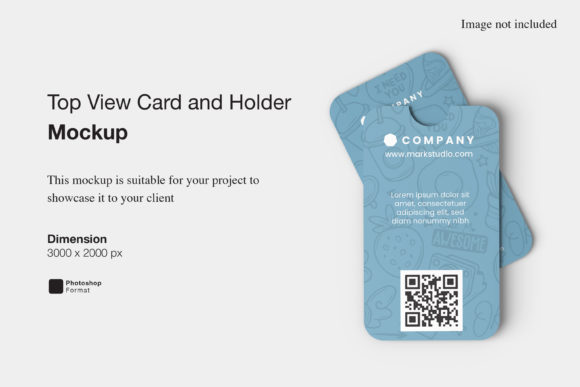
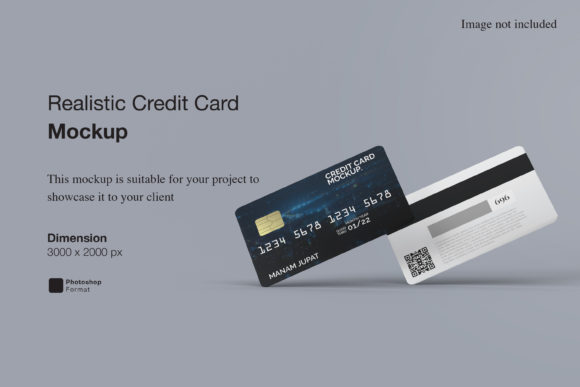
Additionally, remember that the photos used in the preview images are for illustration purposes only and are not included in the download. This means you have the freedom to customize the scene entirely, but it also requires you to pay attention to lighting and perspective when adding your own elements if you choose to composite further.
Finally, always check the color profiles of your documents. Since the mockup is set to 300 DPI, it is likely intended for print or high-res digital use. Ensuring your colors are accurate in RGB or CMYK mode, depending on your final output goal, will prevent unexpected discrepancies between the mockup and the final printed product.
Conclusion
Stationery Mockup V1 is more than just a template; it is a strategic asset for anyone looking to communicate their design ideas effectively. By combining realistic 3D visualization with user-friendly smart-object technology, it empowers designers, marketers, and entrepreneurs to present their work with confidence and clarity. In a world where first impressions matter, investing in high-quality presentation tools is an investment in your professional success.