Wedding Card Mockup
Designing a wedding invitation is often the first tangible step in bringing a couple’s vision to life. It sets the tone for the entire event, conveying style, formality, and attention to detail before the guests even arrive. However, creating a beautiful design file is only half the battle. The real challenge lies in presenting that design to clients or stakeholders in a way that feels authentic and immersive. This is where a Wedding Card Mockup becomes an indispensable tool for designers, stationery artists, and creative entrepreneurs.
A mockup is not merely a static image; it is a realistic 3D display of your work in context. By using a high-quality PSD file equipped with smart-object features, you can replace flat design files with your own creations instantly. This process allows you to showcase your designs professionally, helping clients visualize how the final printed product will look and feel. In a market where presentation is as critical as the artwork itself, having the right resources can significantly influence client approval rates and overall satisfaction.
The Power of Realistic Visualization
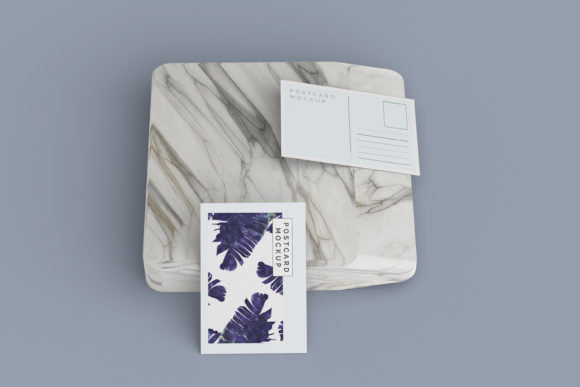
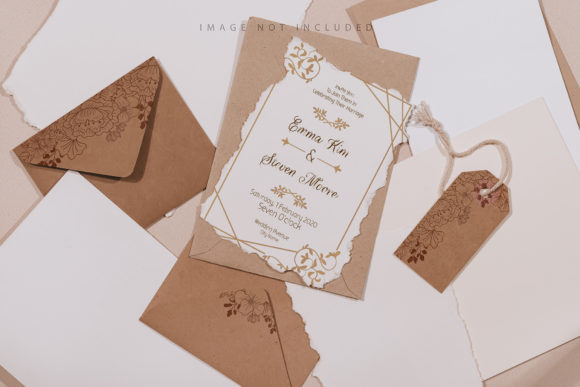
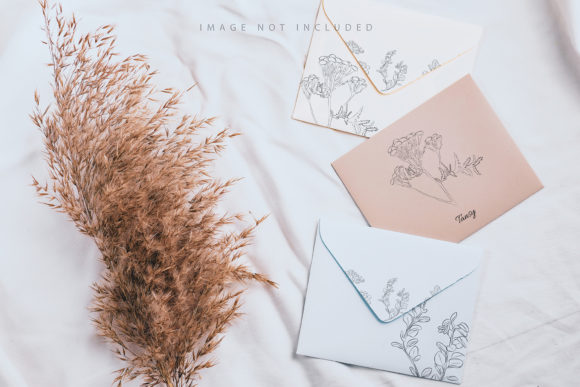
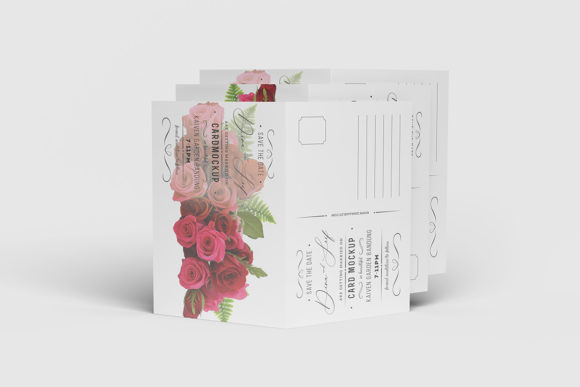
When you are pitching a custom wedding suite—perhaps including the main invitation, RSVP card, envelope liner, and thank-you note—a flat JPEG on a white background rarely tells the full story. Clients struggle to imagine paper weight, texture, foil stamping, or embossing from a two-dimensional screen. A Wedding Card Mockup bridges this gap by placing your design into a lifelike environment. Whether it is resting on a rustic wooden table, draped over silk fabric, or held gently in hands, the mockup provides context that elevates the perceived value of your work.
This realistic display helps solve a common problem in the creative industry: the disconnect between digital proof and physical reality. By showing a client exactly how their typography interacts with lighting and shadow, you reduce ambiguity. They can see the depth of the lettering and the subtle play of light on glossy finishes. This clarity streamlines the feedback loop, allowing you to make adjustments before printing begins, which ultimately saves time and reduces costly reprints.
Efficiency Through Smart-Object Technology
One of the most significant advantages of using a professional-grade Wedding Card Mockup is the efficiency it brings to your workflow. Traditional methods of compositing images required manual masking, warping, and blending, which could take hours for a single variation. Modern PSD templates utilize smart-object technology to simplify this process dramatically.
With smart objects, replacing your current designs with your own takes seconds rather than minutes. You simply double-click the smart-object layer in Photoshop, paste or place your new design, save the changes, and watch the mockup update automatically. This feature is particularly valuable for professionals who need to present multiple options to a client. Imagine being able to swap out color palettes, fonts, or layout variations in real-time during a meeting. This agility demonstrates professionalism and responsiveness, qualities that are highly prized by small business owners and freelance clients alike.
Technical Specifications and Quality Standards
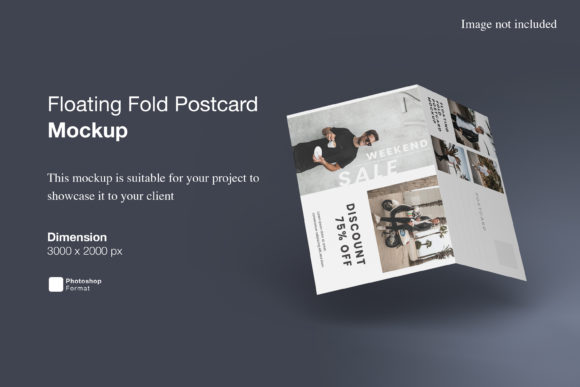
Not all mockups are created equal. When selecting a resource for your portfolio, technical specifications matter. A high-resolution file ensures that your designs remain crisp and clear, regardless of how closely a client zooms in to inspect details. The Wedding Card Mockup described here offers a substantial canvas size of 3000x2000 pixels at 300 dpi. This resolution is well above the standard requirement for web use and is sufficient for high-quality print outputs, giving you flexibility in how you share your work.
Furthermore, the inclusion of a changeable background-color feature adds another layer of versatility. While natural textures like wood or marble are popular, some brands prefer clean, minimalist presentations. Being able to alter the background hue allows you to tailor the mood of the image to match specific branding guidelines or seasonal themes without needing to create separate files. For educators and bloggers teaching design principles, this adaptability makes the template a robust example of how environmental context influences perception.
Who Benefits Most From This Tool?
While the primary audience might seem to be graphic designers, the utility of a Wedding Card Mockup extends to a wider range of professionals. Freelancers looking to expand their service offerings into event stationery can use these mockups to build a compelling portfolio quickly. Entrepreneurs selling digital download templates on platforms like Etsy benefit immensely by providing customers with preview images that inspire confidence in the product’s quality.
Marketers and content creators also find value in these assets. Bloggers writing about wedding trends or DIY planning can use high-quality mockups to illustrate articles, making their content more engaging and visually appealing. Even hobbyists who enjoy crafting personalized invitations for friends can use these tools to experiment with layouts and see immediate, polished results, encouraging further creative exploration.
Practical Considerations and Limitations
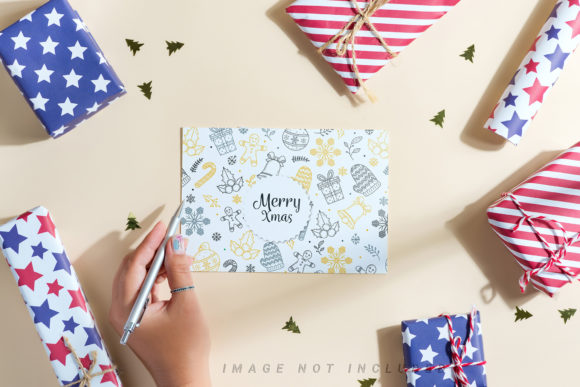
As with any digital asset, it is important to approach usage with realistic expectations. The photos used in previews are typically for illustration purposes only and are not included in the download. Users must supply their own imagery or rely on the blank template structure provided. Additionally, while smart objects simplify the replacement process, they do require a basic familiarity with Adobe Photoshop. If you are new to the software, the included PDF help guide serves as a crucial resource to navigate the layers and settings correctly.
It is also worth noting that a mockup cannot fully replicate the tactile experience of paper. No digital image can convey the exact weight of 300gsm cotton paper or the precise raised sensation of hot foil stamping. Therefore, while a Wedding Card Mockup is an excellent tool for visual communication, it should be complemented by physical samples when possible. For high-end clients, sending a physical proof alongside your digital presentation remains the gold standard for ensuring complete alignment on expectations.
Integrating Mockups Into Your Workflow
To get the most out of this resource, consider integrating it into every stage of your design process. Use it early on to test different typographic pairings in context. Does the script font look elegant against the textured background? Does the bold serif command enough authority? Seeing the design in a 3D space can reveal balance issues that are hard to spot on a flat screen.
Later in the process, use the mockup to create social media content. High-quality visuals perform better on platforms like Instagram and Pinterest, driving traffic to your services or shop. By consistently presenting your work in a professional, realistic manner, you build trust and credibility. Over time, this consistency helps establish your brand as a reliable source for premium design solutions.
Ultimately, the goal of using a Wedding Card Mockup is to enhance communication and support creativity. It removes the friction between idea and execution, allowing you to focus on what matters most: delivering a beautiful, meaningful product to your clients. By leveraging tools that streamline your workflow and elevate your presentation, you position yourself for success in a competitive and visually driven industry.