Evaluating IPad Pro Mockup V4 for Professional Design Presentations
In the competitive landscape of digital design, how a portfolio is presented can be just as critical as the work itself. For UI/UX designers, graphic artists, and creative directors, the ability to showcase interface designs on realistic devices bridges the gap between abstract pixels and tangible user experiences. Among the various tools available for this purpose, IPad Pro Mockup V4 has emerged as a practical solution for professionals seeking efficiency without sacrificing visual fidelity. This analysis explores the specific capabilities of this mockup resource, evaluating its utility for those who need to transition quickly from concept to client-ready presentation.
Understanding the Core Functionality
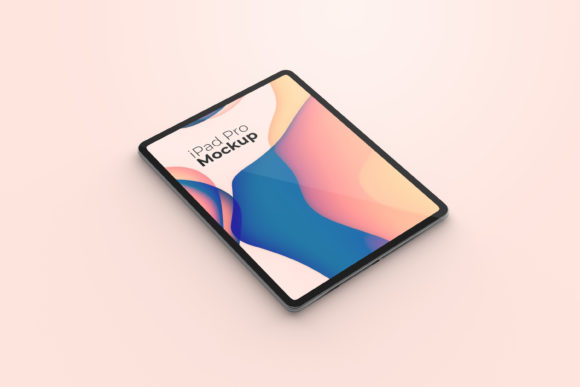
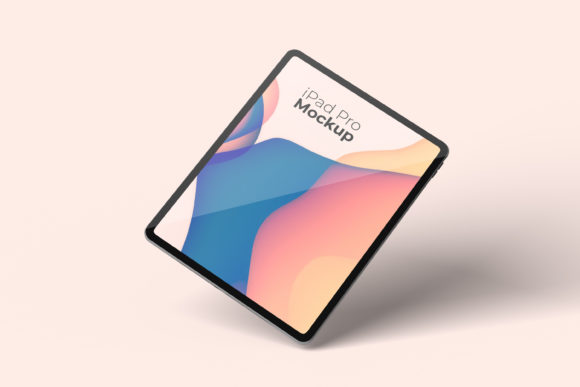
At its foundation, IPad Pro Mockup V4 is designed to serve as a high-fidelity display environment for digital artwork. Unlike simple 2D screenshots that flatten the perception of depth and scale, this tool utilizes a three-dimensional rendering approach. The primary appeal lies in its format: it is delivered as a PSD file compatible with Adobe Photoshop, leveraging smart-object technology. This technical choice is significant because it addresses one of the most time-consuming aspects of design presentation—manual masking and alignment.
The "smart-object" feature allows designers to replace the default placeholder image with their own designs instantly. By simply double-clicking the designated layer, the designer opens a new window where they can paste their work, save, and return to the main canvas to see the updated mockup. This workflow reduces the friction often associated with preparing assets for portfolios or client pitches. For users managing multiple projects, this speed is not merely a convenience; it is a productivity multiplier.
Technical Specifications and Quality Standards
When evaluating any digital asset for professional use, resolution and dimension are paramount. Low-quality mockups can inadvertently signal a lack of attention to detail, undermining the perceived value of the design work being showcased. IPad Pro Mockup V4 addresses these concerns with robust technical specifications. The file is provided at a size of 3000x2000 pixels, which offers ample canvas space for detailed zooming and cropping without pixelation.
Furthermore, the inclusion of a 300 DPI (dots per inch) resolution ensures that the output is print-ready if necessary, though its primary application remains digital. High DPI is essential for crisp text rendering and sharp edges, particularly when displaying complex UI elements like icons, typography, or intricate illustrations. For clients reviewing proposals on high-resolution monitors or projecting presentations in meeting rooms, this level of clarity prevents visual artifacts that could distract from the core message of the design.
Versatility Through Customization
A common limitation in many pre-made mockups is the rigid aesthetic. They often force the designer into a specific mood or color palette that may not align with the brand identity they are trying to convey. IPad Pro Mockup V4 distinguishes itself by offering changeable background colors. This feature provides a layer of flexibility that allows the designer to tailor the context of the presentation.
Consider a scenario where a designer is presenting a dark-mode application interface. A white background might create excessive contrast that distracts from the screen content. Conversely, a light-themed app might get lost against a dark backdrop. The ability to adjust the background color enables the designer to maintain optimal contrast ratios and ensure the device blends seamlessly into the overall composition. This adaptability makes the mockup suitable for a wider range of project types, from corporate dashboards to vibrant consumer apps.
Comparative Analysis: Efficiency vs. Complexity
To understand where IPad Pro Mockup V4 fits in the broader ecosystem of design resources, it is helpful to compare it with alternative approaches. Designers generally have three options for creating device presentations:
- Manual 3D Modeling: Using software like Blender or Cinema 4D to create custom scenes. While this offers unlimited creativity, it requires specialized skills and significant time investment. It is rarely feasible for tight deadlines or high-volume workflows.
- Basic Screenshot Overlays: Placing a flat image of an iPad over a screenshot. This method is fast but lacks realism. Shadows, reflections, and perspective distortions are often missing, making the presentation look amateurish.
- Premium Smart-Object Mockups: Utilizing pre-built PSD files like IPad Pro Mockup V4. This approach strikes a balance, offering realistic lighting and perspective with minimal effort.
When compared to manual modeling, IPad Pro Mockup V4 wins on accessibility and speed. It democratizes high-end presentation quality, allowing designers without 3D modeling expertise to produce professional results. When compared to basic overlays, it wins on realism and polish. The tradeoff is a slight reduction in total control over camera angles and lighting physics, but for most standard portfolio needs, this limitation is negligible.
Usability and Support Resources
Even the most powerful tools are ineffective if the learning curve is too steep. Recognizing this, the creators of IPad Pro Mockup V4 include a PDF help guide. This documentation is crucial for users who may be less familiar with Photoshop’s layer management or smart-object functionalities. It serves as a safety net, ensuring that even novice users can achieve professional results without frustration.
The ease of use is further enhanced by the intuitive structure of the PSD file. Well-organized layers and clear naming conventions allow for quick navigation. For agencies or teams where multiple designers might access the same template, consistency is key. A standardized mockup ensures that all team members present their work in a uniform style, reinforcing brand cohesion across different projects and client interactions.
Illustrative Purpose and Content Clarity
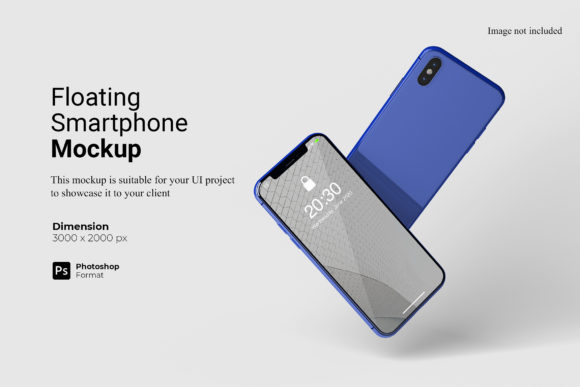
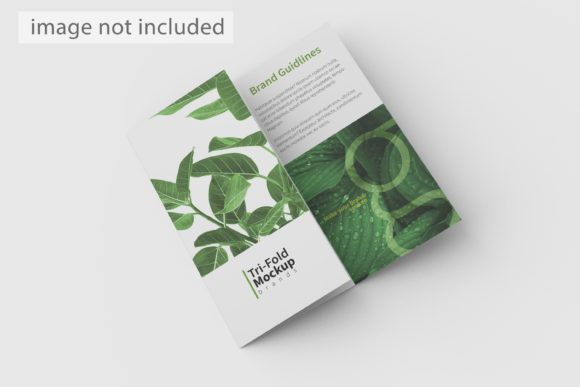
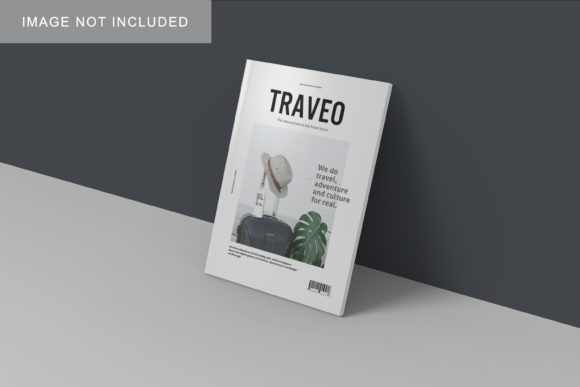
It is important to note a standard industry disclaimer regarding preview images: the visuals used in marketing materials are for illustration purposes only and do not come included with the purchase. This is a common practice to demonstrate potential rather than provide the final asset. Users should expect to start with a blank slate or a generic placeholder, which they then populate with their own intellectual property. This separation ensures that the mockup remains a neutral vessel for the designer’s unique work, avoiding any copyright conflicts with stock imagery.
Decision Factors: When to Choose IPad Pro Mockup V4
Determining whether IPad Pro Mockup V4 is the right tool depends on specific professional needs. It is an ideal choice for:
- Freelancers with Tight Deadlines: When pitching to clients, time is money. The ability to swap designs in seconds allows freelancers to iterate rapidly and deliver polished decks faster.
- Portfolio Builders: Students and junior designers looking to elevate the visual quality of their Behance or Dribbble profiles will find the high-resolution, realistic rendering adds immediate credibility.
- Agencies Seeking Consistency: Teams that need to standardize their presentation templates across various account managers benefit from the uniformity this mockup provides.
However, there are situations where other options might be preferable. If a project requires highly stylized, artistic compositions involving multiple devices, hands, or environmental interactions, a more complex, multi-layered mockup or a custom 3D render might be necessary. Additionally, if a designer prefers working in vector-based environments like Illustrator or Sketch exclusively and finds the Photoshop workflow disruptive, they might opt for mockups specifically optimized for those platforms.
Conclusion on Utility and Value
The value of IPad Pro Mockup V4 lies in its pragmatic approach to design presentation. It does not promise revolutionary features but delivers on the fundamental requirements of professionalism: clarity, realism, and efficiency. By combining a high-resolution 3000x2000px canvas with user-friendly smart-object mechanics and customizable backgrounds, it removes the technical barriers between a designer’s vision and their audience.
For adults aged 20–50 navigating the modern design industry, where first impressions are formed in milliseconds, having a reliable toolkit for showcasing work is essential. This mockup serves as a dependable component of that toolkit, offering a balanced blend of quality and convenience. While it may not replace the need for deep creative skill, it significantly amplifies the impact of that skill, ensuring that the focus remains on the design itself rather than the presentation medium.